We have a new feature for photo albums. You can find this option in your profile under the networking tab over on the left side.
https://www.sunlineclub.com/forums/usercp.php
You can set up personal picture albums as well as leave comments on the pics of others. You can also manage comments and images in your own album. Multiple albums allowed BUT only first 4 display on user profile of 200 pics each. Images must be smaller than 2 megs and/or 1600 x 1600 (server may reduce large images automatically). Caveat: since you can load up to 6 images at a time, the total file size may overload the server if you load six 2 meg files at once.
To view another members album, visit their profile and look over on the right column.
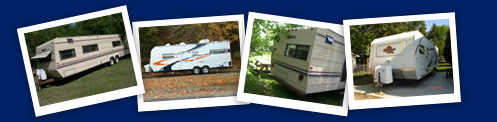
Here's mine
















 Linear Mode



